Caesar Salad with Chicken
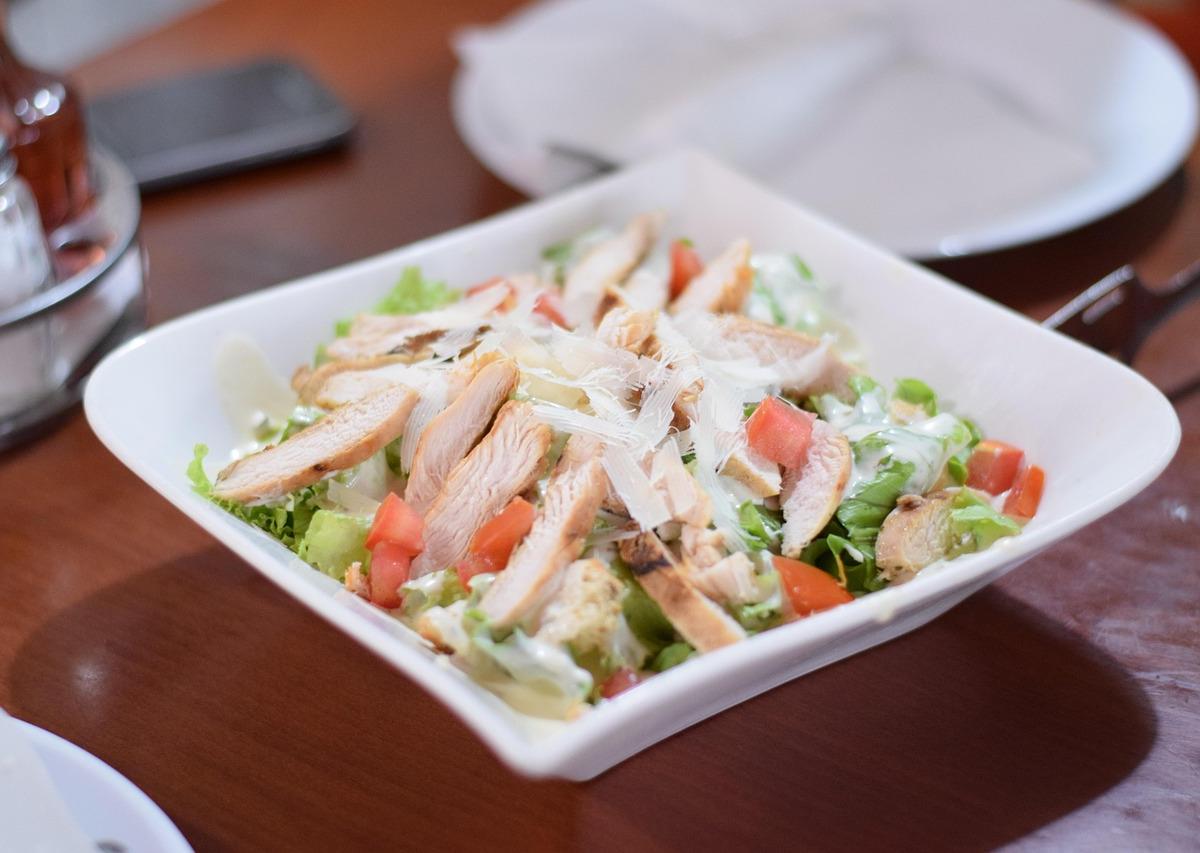
A classic Caesar salad topped with juicy chicken breast slices, crisp romaine, ripe tomatoes, and shaved Parmesan, all tossed in a creamy Caesar dressing.
- Total time
- 30 min
- Servings
- 2
- Calories
- 520
- Protein
- 42g
Ingredients
- 2 whole chicken breast
- 1 head romaine lettuce
- 1 large tomato
- ½ cup Parmesan cheese
- ½ cup Caesar dressing
- 2 tbsp olive oil
- ½ tsp salt
- ¼ tsp black pepper
Instructions
- 1
Season the 2 chicken breasts with 0.5 tsp salt and 0.25 tsp black pepper. Heat 2 tbsp olive oil in a skillet over medium-high heat until shimmering, about 2 minutes.
- 2
Add the chicken to the skillet and cook until golden brown on the outside and cooked through (no pink inside), about 6-7 minutes per side. Transfer to a plate and let rest for 5 minutes.
- 3
While the chicken rests, chop the 1 head of romaine into bite-sized pieces and place in a large bowl. Cut the 1 large tomato into wedges and add to the bowl.
- 4
Slice the rested chicken into thin strips. Add the chicken to the bowl with the romaine and tomato.
- 5
Pour 0.5 cup Caesar dressing over the salad and toss well to coat everything evenly.
- 6
Shave the 0.5 cup Parmesan over the top and finish with a few cracks of black pepper. Serve immediately.
Tools you’ll need
- Large skillet
- Cutting board
- Chef's knife
- Large salad bowl
- Tongs or spatula
Cook smarter
Get matched recipes for what’s in your fridge
Custrd is a free iOS app that finds real recipes from the ingredients you already have. No more grocery-list aspirations.



